Most software project delays and budget overruns don't start in development — they start earlier, with requirements that were vague, incomplete, or open to interpretation. A well-written software requirements document gives everyone involved a shared, specific understanding of what's actually being built, before a single line of code is written. This blog walks through how to write one properly, along with a simple template you can use for your next project.
Why a Requirements Document Matters More Than It Seems
It's tempting to treat requirements documentation as a formality standing between you and "the real work" of building software. In practice, this document is often the single biggest factor in whether a project stays on time, on budget, and aligned with what the business actually needed. Vague requirements tend to surface as expensive misunderstandings mid-project, not before it.
What a Software Requirements Document Actually Includes
While formats vary, a solid requirements document generally covers:
- The business problem the software needs to solve
- Who will use it, and how
- Specific functional requirements - what the software needs to do
- Non-functional requirements - performance, security, and scalability expectations
- Constraints, such as budget, timeline, or technical limitations
- What's explicitly out of scope for the first version
Start With the Problem, Not the Solution
A common mistake is jumping straight into listing desired features without clearly articulating the underlying problem first. Starting with a clear problem statement keeps the rest of the document focused and helps prevent scope creep driven by ideas that sound good but don't actually address the core need.
Define Your Users and Their Goals
Requirements become much clearer once you know specifically who will use the software and what they're trying to accomplish. This section should cover:
- Different user types or roles, if applicable
- What each user type needs to be able to do
- Any specific context about how or where they'll use the software
Functional Requirements: Be Specific, Not Vague
This is often the largest section, detailing exactly what the software needs to do. The key is specificity - "users can manage their account" is too vague, while "users can update their email, password, and notification preferences from a single account settings page" gives development teams something concrete to build against.
Organizing functional requirements by feature or user flow, rather than as one long unstructured list, makes the document far easier to reference throughout the project.
Non-Functional Requirements Matter Just as Much
These cover how the software needs to perform, not just what it needs to do:
- Expected performance under typical and peak usage
- Security and data protection requirements
- Scalability expectations as usage grows
- Compatibility requirements, such as devices or browsers that must be supported
Skipping this section often leads to a functional but poorly performing product, since these expectations were never explicitly set.
Clarify What's Out of Scope
Explicitly stating what the first version will NOT include is just as valuable as stating what it will. This prevents scope creep and sets clear expectations that certain features are planned for later phases, not overlooked oversights in the current build.
Include Acceptance Criteria
For each major requirement, defining clear acceptance criteria - how you'll know it's actually been built correctly - reduces ambiguity during testing and review, and helps avoid subjective disagreements about whether a feature is "done."
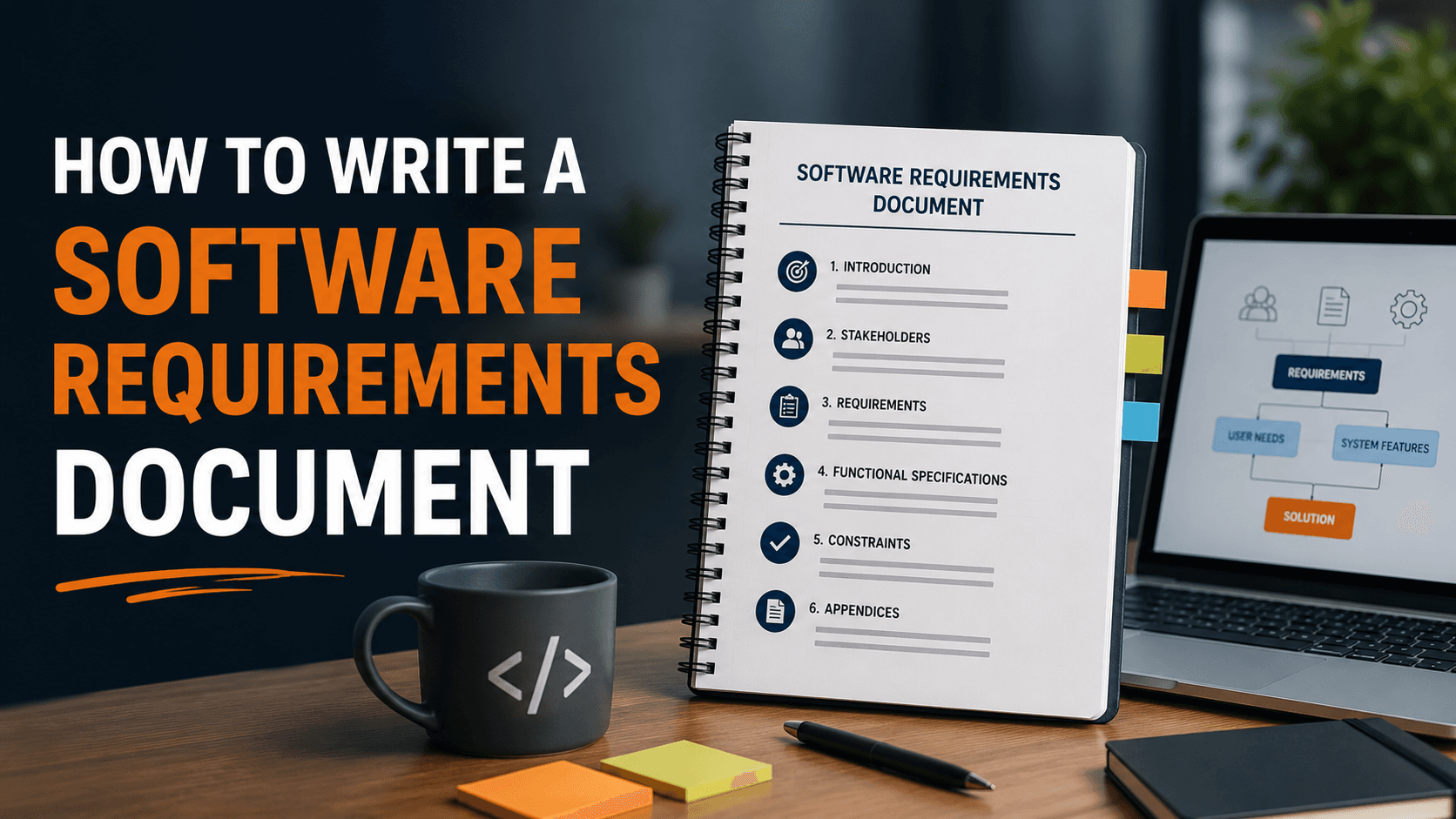
A Simple Software Requirements Document Template
1. Project Overview
Brief summary of the business problem and project goals
2. Target Users
Who will use the software and their primary goals
3. Functional Requirements
Detailed, specific list of what the software must do, organized by feature or user flow
4. Non-Functional Requirements
Performance, security, scalability, and compatibility expectations
5. Constraints
Budget, timeline, technical, or resource limitations
6. Out of Scope
What is explicitly not included in this version
7. Acceptance Criteria
How each major requirement will be validated as complete
8. Assumptions and Dependencies
Any assumptions being made, and dependencies on other systems or teams
Why This Document Should Be a Living Reference
A requirements document isn't meant to be written once and forgotten. As the project progresses, particularly during custom software development, this document should be referenced regularly and updated deliberately if scope genuinely needs to change, rather than letting requirements drift informally without documentation.
How This Document Supports Better Communication With Developers
A clear requirements document gives your development partner a concrete foundation to estimate accurately, ask sharper clarifying questions, and build against a shared understanding - significantly reducing the miscommunication that often causes costly revisions later in a project.
Frequently Asked Questions
Do I need a requirements document even for a small software project?
Yes, even a simple version helps. Smaller projects still benefit from clarity around goals, scope, and expectations, reducing the risk of miscommunication regardless of project size.
Who should be involved in writing the requirements document?
Ideally, both business stakeholders who understand the problem and goals, and technical input from the development team to ensure requirements are realistic and specific enough to build against.
How detailed should functional requirements be?
Specific enough that a developer could build against them without needing to guess or make assumptions - vague statements tend to cause misalignment later in the project.
What happens if requirements change mid-project?
Changes can happen, but they should be documented and communicated deliberately, since undocumented scope changes are a common cause of budget and timeline overruns.
Can this template be used for both websites and apps?
Yes, the core structure applies broadly across web development, mobile app development, and most custom software projects, even though specific requirements will differ by project type.
Ready to Scope Your Project the Right Way?
A clear requirements document sets the foundation for everything that follows - and getting it right upfront saves significant time, budget, and frustration later. At Weboraz, we help clients build out clear, specific requirements before development begins, so everyone starts on the same page. With a hybrid US-India team spanning software development, web development, mobile app development, and AI automation, we turn clear requirements into software that actually delivers.
Get a free project scoping consultation from Weboraz and let us help you define exactly what your software needs.