

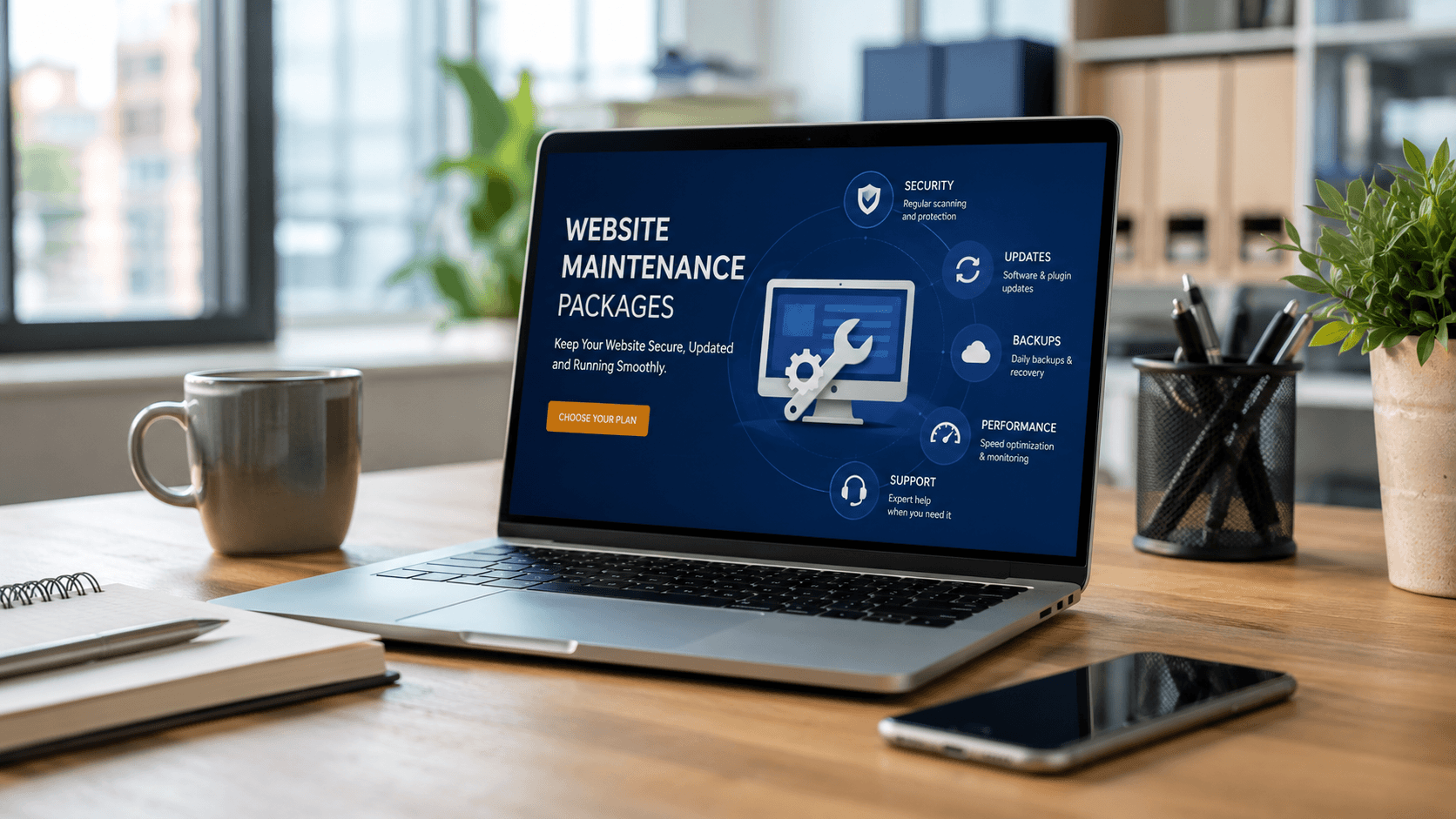
Launching a website is often treated as the finish line, when in reality, it's the starting point of an ongoing responsibility. Websites need regular updates, monitoring, and fixes to keep running smoothly and securely - which is where maintenance packages come in. The challenge is that these packages vary widely between providers, and it's not always clear what's actually covered until something breaks and you find out the hard way. This guide breaks down what website maintenance packages typically include, what's usually left out, and how to evaluate what your business actually needs.
Why Website Maintenance Is Necessary in the First Place
A website isn't a one-time build that stays static forever. Behind the scenes, software updates, security vulnerabilities, and content changes all require ongoing attention. Without regular maintenance, sites tend to slow down, become vulnerable to security issues, or simply fall behind as browsers and technologies evolve.
What's Typically Included in a Maintenance Package
Most standard maintenance packages cover a core set of ongoing tasks:
- Software and plugin updates - keeping the underlying platform and any add-ons current
- Security monitoring - scanning for vulnerabilities and unusual activity
- Regular backups - ensuring a recent version of the site can be restored if something goes wrong
- Uptime monitoring - alerting when the site goes down unexpectedly
- Basic bug fixes - resolving small technical issues as they arise
- Performance checks - monitoring load times and flagging slowdowns
These core items form the baseline most businesses should expect from any reasonable maintenance plan.
What's Often Included in Higher-Tier Packages
More comprehensive packages frequently add:
- Content updates, such as adding or editing pages and blog posts
- Minor design tweaks or layout adjustments
- SEO monitoring and small on-page optimization
- Priority support with faster response times
- Monthly or quarterly performance reporting
Whether these are worth paying for depends on how much ongoing support your team actually needs versus how much you can handle internally.
What's Commonly NOT Included (And Often Misunderstood)
This is where confusion tends to happen. Even solid maintenance packages typically don't include:
- Major redesigns or structural changes to the site
- New feature development, such as adding e-commerce functionality
- Custom software development work beyond routine fixes
- Content creation, such as writing new blog posts or product descriptions
- Recovery from major security breaches beyond standard monitoring, depending on the provider
Assuming maintenance covers major changes is one of the most common - and most frustrating - misunderstandings businesses run into.
Why Maintenance Needs Vary by Website Type
Not every website needs the same level of maintenance. A simple informational site generally requires less ongoing attention than a dynamic website with user accounts, an e-commerce store processing transactions, or a custom-built platform with more complex backend systems. More complexity generally means more potential points of failure, which usually translates into a higher level of maintenance need.
How to Evaluate Whether a Package Actually Fits Your Business
Rather than choosing based on price alone, it helps to ask:
- Does this package match the actual complexity of my website?
- What's explicitly included versus billed separately if something comes up?
- How quickly does the provider respond when something breaks?
- Is there a clear process for handling issues outside the standard package?
A package that looks affordable upfront can become expensive if every additional request falls outside its scope and gets billed separately without warning.
Why Custom-Built Sites Sometimes Need a Different Maintenance Approach
Websites built on custom software development often require a maintenance approach different from template-based sites, since there's no large community of pre-built updates or fixes to rely on. This isn't a downside, but it does mean maintenance should come from a provider who understands the site's specific architecture, not a generic support team unfamiliar with the custom build.
Where Automation Fits Into Ongoing Maintenance
Some maintenance providers now use AI automation to catch issues earlier, such as automatically flagging unusual traffic patterns, broken links, or performance dips before they become bigger problems. This proactive approach often prevents small issues from becoming costly emergencies.
Frequently Asked Questions
Is website maintenance really necessary, or can I skip it?
Skipping maintenance is risky. Without regular updates and security monitoring, sites become more vulnerable over time and often experience preventable slowdowns or failures.
Does a maintenance package include content updates like new blog posts?
It depends on the tier. Basic packages usually focus on technical upkeep, while higher-tier packages may include content updates as part of the plan.
What happens if something breaks that isn't covered by my maintenance package?
This varies by provider, but it typically gets billed separately or requires a scope discussion, which is why it's important to clarify coverage boundaries upfront.
Do all websites need the same level of maintenance?
No. Simple informational sites generally need less ongoing attention than dynamic sites, e-commerce stores, or custom-built platforms with more complex backend systems.
How do I know if a maintenance package is actually a good fit for my website?
Compare what's explicitly included against your site's actual complexity, and clarify how additional requests outside the package are handled before committing.
Know Exactly What You're Getting
A maintenance package is only valuable if you actually know what it covers — and what it doesn't. At Weboraz, we're upfront about what's included in every plan, scoped to match your site's real complexity rather than a one-size-fits-all package. With a hybrid US-India team spanning web development, software development, and AI automation, we keep your site secure, updated, and running the way it should.
Get a free maintenance consultation from Weboraz and find out exactly what your website needs.
Frequently asked questions
Skipping maintenance is risky. Without regular updates and security monitoring, sites become more vulnerable over time and often experience preventable slowdowns or failures.
It depends on the tier. Basic packages usually focus on technical upkeep, while higher-tier packages may include content updates as part of the plan.
This varies by provider, but it typically gets billed separately or requires a scope discussion, which is why it's important to clarify coverage boundaries upfront.
No. Simple informational sites generally need less ongoing attention than dynamic sites, e-commerce stores, or custom-built platforms with more complex backend systems.
Compare what's explicitly included against your site's actual complexity, and clarify how additional requests outside the package are handled before committing.
Related Articles


Need help applying this?
Our team can turn the ideas in this article into a clear plan and a polished build.
Contact Us