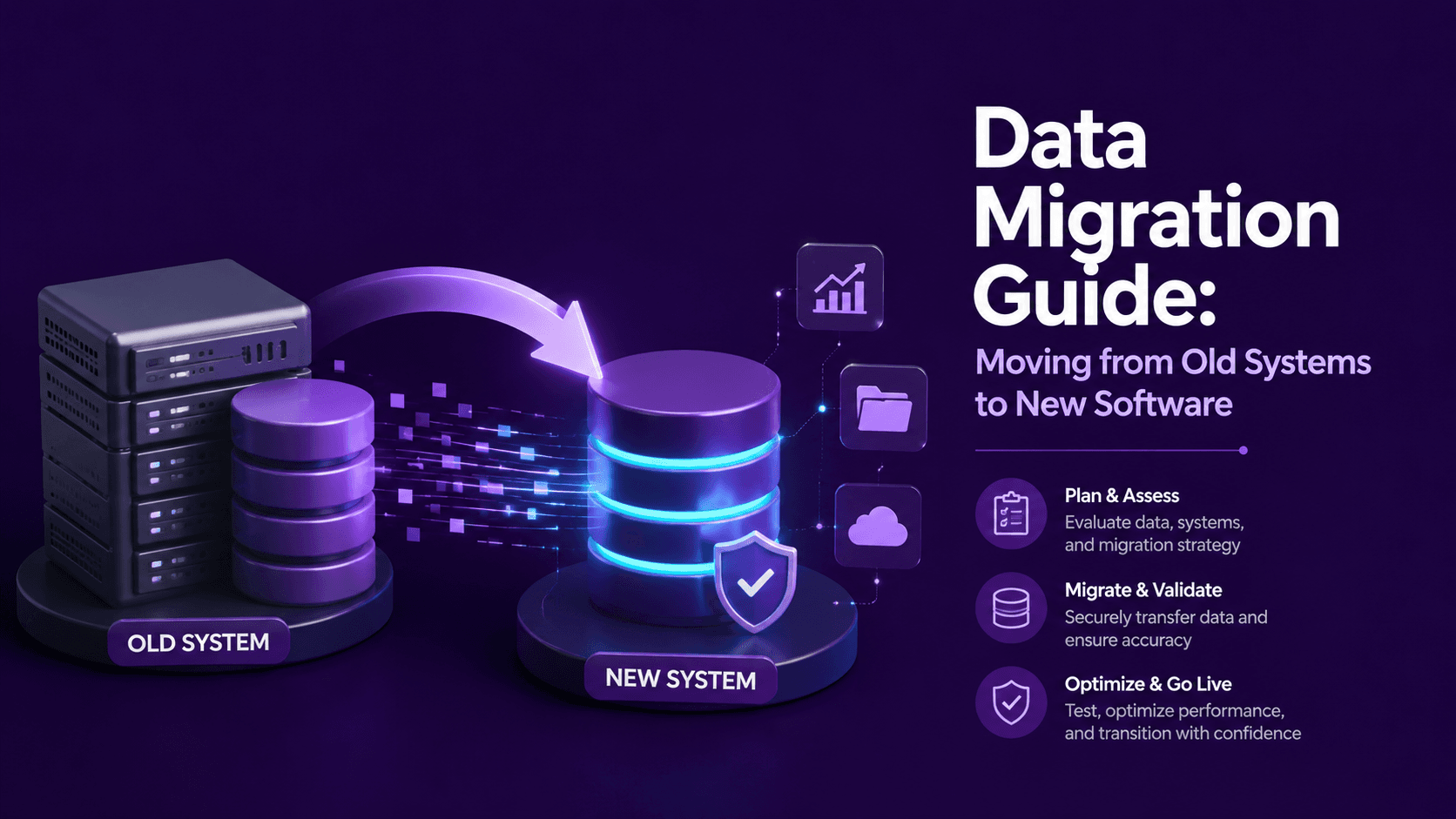
Migrating data from an old system to new software is often treated as a technical afterthought, when in reality it's frequently the most delicate and highest-risk part of the entire upgrade. Errors during migration can affect historical records, break reporting accuracy, and disrupt daily operations in ways that are far more costly to fix after the fact than to prevent through careful planning. This guide walks through how to approach data migration properly, so your business transitions smoothly rather than inheriting new problems along with new software.
Why Data Migration Deserves Careful Planning
It's tempting to treat data migration as a simple copy-paste exercise, but real business data is rarely that clean. Inconsistent formatting, duplicate records, outdated entries, and structural differences between old and new systems all need to be addressed thoughtfully, or they carry forward into the new system, undermining its value from day one.
Step 1: Audit Your Existing Data Before Migrating
Before moving anything, take stock of what you actually have:
- Identify what data is genuinely still needed versus outdated or irrelevant
- Look for duplicate, incomplete, or inconsistent records
- Understand how data is currently structured and where inconsistencies exist across different sources
This audit often reveals that a portion of existing data isn't worth migrating at all, which simplifies the process considerably.
Step 2: Map Data Fields Between Old and New Systems
Old and new systems rarely structure data identically. This step involves:
- Identifying how each field in the old system corresponds to a field in the new one
- Flagging fields that don't have a direct equivalent and deciding how to handle them
- Clarifying any data type or format differences that need to be addressed during transfer
Skipping this mapping process is one of the most common causes of migration errors, since assumptions about how data will translate often don't hold up in practice.
Step 3: Clean Data Before Migration, Not After
Migrating messy data into a new system doesn't fix the underlying issues - it just relocates them. Cleaning data beforehand typically includes:
- Removing duplicate records
- Standardizing inconsistent formatting, such as dates or naming conventions
- Filling in or flagging incomplete records that need attention
Addressing this before migration is significantly more efficient than trying to clean data within the new system afterward.
Step 4: Decide on a Migration Approach
Depending on the complexity and volume of data, migration can happen through:
- A full cutover, moving all data at once during a defined transition period
- A phased migration, moving data in stages, often starting with less critical information
- Running systems in parallel temporarily, allowing verification before fully retiring the old system
The right approach depends on how much risk tolerance your business has for disruption during the transition, and how complex the underlying software development behind the migration actually is.
Step 5: Test the Migration Process Before the Real Transfer
Running a test migration with a sample of data before the full transfer helps catch issues early, including:
- Confirming data maps correctly between systems
- Checking that relationships between different data types remain intact
- Verifying that no data is lost or corrupted during the transfer process
Skipping this testing step significantly increases the risk of discovering serious issues only after the full migration is already complete.
Step 6: Validate Data Thoroughly After Migration
Once migration occurs, validation should include:
- Spot-checking records across different data types for accuracy
- Confirming totals, counts, or key figures match between old and new systems
- Testing that reports and workflows relying on migrated data function correctly
This step is where migration errors, if any occurred, typically surface - catching them here prevents them from silently affecting business decisions later.
Step 7: Keep the Old System Accessible for a Transition Period
Rather than immediately decommissioning the old system, keeping it accessible in read-only form for a defined period provides a safety net if any migration issues surface after the transition, without requiring an emergency rollback under pressure.
Common Data Migration Mistakes to Avoid
Some of the most frequent, avoidable migration mistakes include:
- Migrating data without cleaning it first
- Skipping a test migration before the full transfer
- Underestimating the time required for thorough validation
- Not accounting for how relationships between different data types need to translate into the new system's structure
Why This Process Benefits From Experienced Technical Guidance
Data migration, particularly for businesses with significant historical data or complex system relationships, benefits from experienced software development involvement, since the technical nuances of how data structures translate between systems can meaningfully affect accuracy if handled without sufficient care.
Where AI Automation Can Support the Migration Process
Some data migration efforts use AI automation to help identify data inconsistencies, flag potential duplicate records, or accelerate the data cleaning process, reducing some of the manual effort involved in preparing data before the actual transfer occurs.
Frequently Asked Questions
How long does a typical data migration take?
It varies significantly based on data volume and complexity, but thorough planning, cleaning, and testing generally take longer than the actual data transfer itself.
What's the riskiest part of a data migration?
Migrating data without proper cleaning and field mapping beforehand is one of the riskiest steps, since errors here can silently affect accuracy in ways that aren't immediately obvious.
Should I clean my data before or after migrating it?
Before. Cleaning data beforehand is significantly more efficient than trying to correct issues within the new system after migration has already occurred.
Is it necessary to run a test migration before the full transfer?
Yes, strongly recommended. A test migration helps catch mapping errors or data issues early, before they affect the complete, real migration.
Should the old system be shut down immediately after migration?
Not immediately. Keeping it accessible in read-only form for a transition period provides a safety net in case any migration issues surface afterward.
Ready to Migrate Your Data Carefully?
Data migration deserves the same careful planning as any other part of a system upgrade - rushing it tends to create problems that are far more expensive to fix later. At Weboraz, we approach migration methodically, protecting the accuracy of what your business relies on every day. With a hybrid US-India team spanning software development, web development, and AI automation, we help your transition go smoothly, not chaotically.
Get a free data migration consultation from Weboraz and find out how we'd approach your specific system transition.