Operations Mapping
We study the actual workflow the app needs to replace or support, including where connectivity and device conditions get difficult.
Enterprise mobile apps don't need to impress strangers in an app store — they need to work reliably for the people using them every shift, often with a spotty signal, a scanner attachment, or a company device that's seen better days. We build internal business apps around those real working conditions, not a polished demo environment.
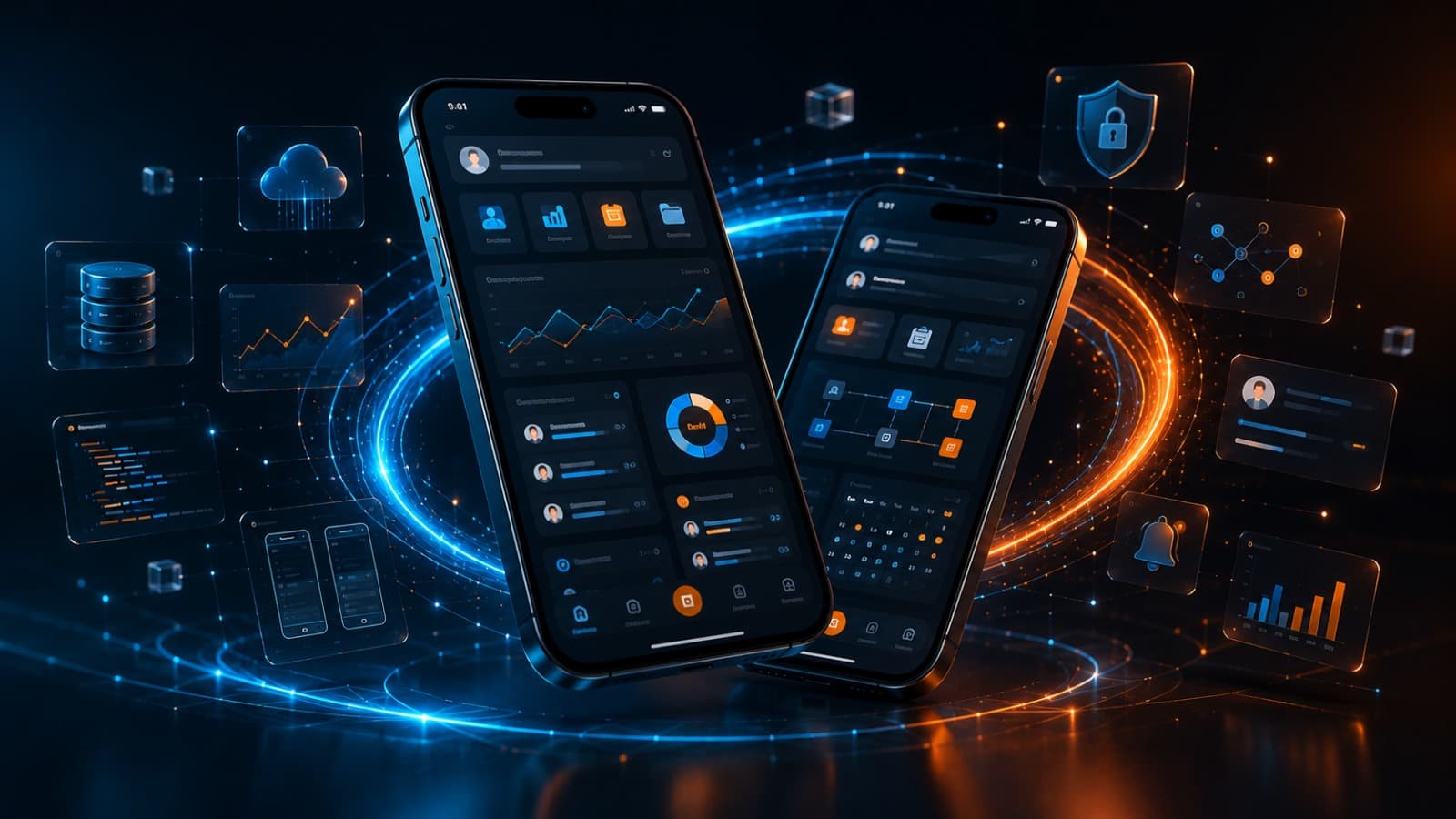
Enterprise mobile apps have a different job than consumer apps. Nobody's leaving a five-star review — they're using it to log a delivery, complete an inspection, clock in, or pull up a work order, often standing in a warehouse or a client site with unreliable connectivity. If the app is slow or breaks offline, it doesn't just annoy someone, it stalls actual operations.
We build enterprise mobile applications around those real conditions: offline-first data handling, role-based access for different employee tiers, integration with the systems you already run (ERP, inventory, scheduling), and interfaces simple enough that a new hire can use them without a training manual. Rugged devices, shared tablets, BYOD — we design for how your team actually works, not a controlled office environment.
We study the actual workflow the app needs to replace or support, including where connectivity and device conditions get difficult.
We plan integrations with your existing business systems and define roles and permissions across your team.
We develop the app with offline handling and sync logic built in from the start, not bolted on afterward.
We pilot with a small team first, fix what real usage reveals, then roll out company-wide with training support.
For most enterprise and field apps, yes — that's usually the first requirement we plan around. We build offline-first, storing data locally and syncing automatically once a connection is available, so a dead zone doesn't stop someone from completing their work.
Yes, that's typically core to enterprise apps. We integrate with common ERP, inventory, and scheduling platforms via their APIs, and build custom integrations where your system doesn't offer one out of the box.
We build role-based permissions matching your actual org structure — field staff see and do different things than supervisors or admins. We map this out with you during planning so the app matches how your team is actually organized.
Both are options. Internal apps are often distributed through MDM (mobile device management) systems rather than public app stores, which is faster and keeps the app private to your organization. We'll set this up based on your existing device policy.
If your field team is still running on paper forms or a spreadsheet nobody updates in real time, let's talk about what an internal app could replace.