
Map
We document the current end-to-end process across every team and handoff involved.
Automating a single handoff helps. Automating the entire process — from request to approval to fulfillment to reporting — changes how the department actually operates. Weboraz takes on full business processes, not just isolated tasks, and rebuilds them as connected systems instead of a chain of manual steps held together by email.
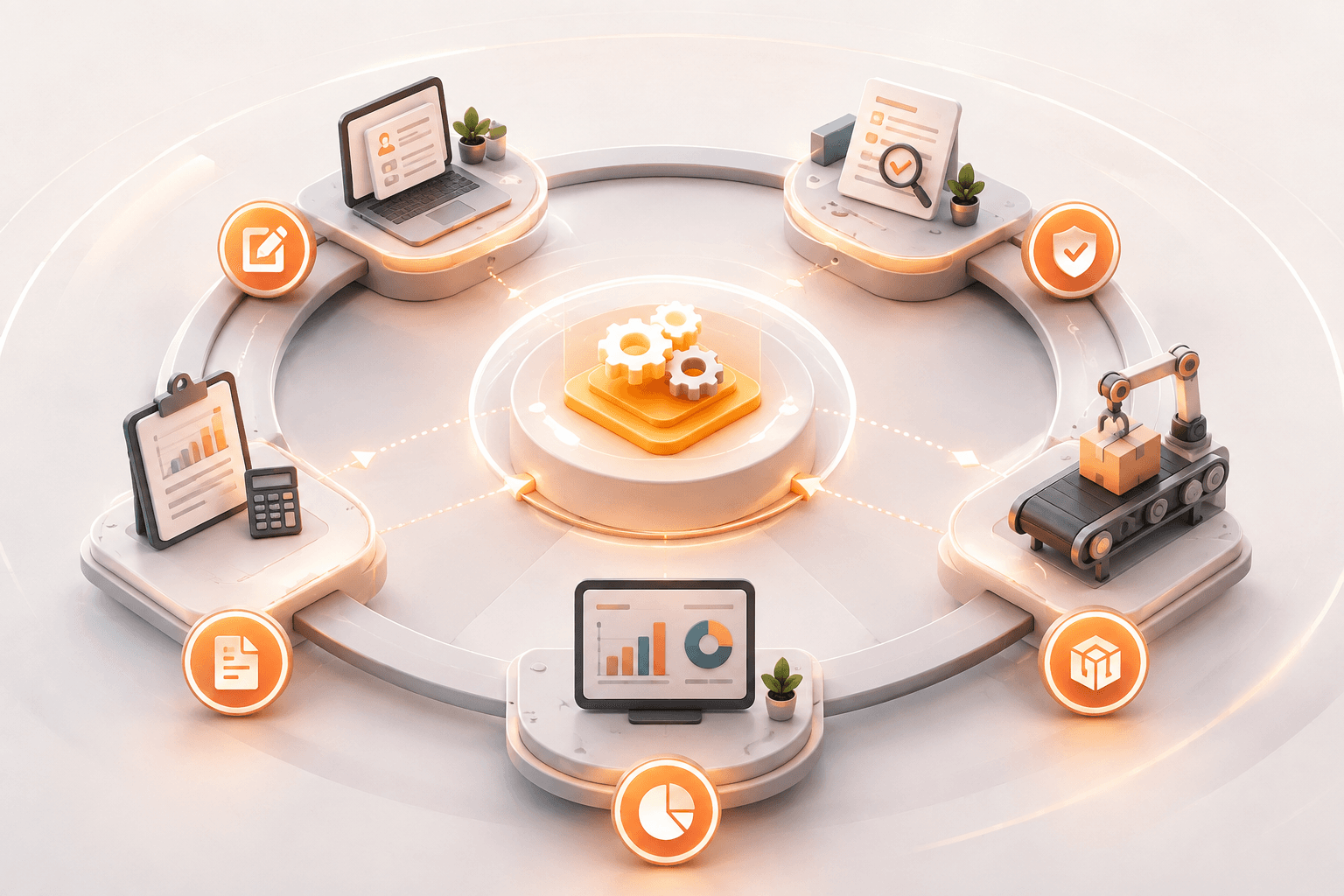
Most processes weren't designed — they accumulated. A step got added after one incident, an approval got added after one mistake, and ten years later nobody remembers why the process has fourteen steps. Before we automate anything, we ask whether each step should still exist at all.
We then rebuild the process as a connected system — one that routes work automatically, tracks status without a status meeting, and gives leadership visibility into where things actually stand, instead of a spreadsheet someone updates when they remember to.
We document the current end-to-end process across every team and handoff involved.
We remove unnecessary steps and design the process the way it should work today.
We build the routing, approvals, and integrations that run the new process automatically.
We launch with training and reporting so adoption sticks past the first week.
Workflow Automation typically connects two or three systems to remove a specific manual step. Business Process Automation looks at the entire process end to end — often across departments — and may redesign the process itself before automating it.
Both, but redesign comes first. Automating a broken process just makes it fail faster. We flag dead or redundant steps before building anything.
Anything with multiple handoffs, approvals, or departments involved — employee onboarding, order-to-fulfillment, vendor approvals, compliance reviews, and similar multi-stage operations.
Mapping and redesign typically take 2-3 weeks. Build timelines depend on how many systems are involved, usually 6-12 weeks for a full end-to-end rebuild.
Tell us which process has too many steps and too many people chasing status updates, and we'll show you what it could look like automated.