
Audit
We shadow the current process and document every manual step, including the workarounds.
Someone on your team is probably copying data from a form into a spreadsheet, then into an email, then into another tool — every single day. Weboraz builds workflow automations that connect the systems you already use, so that work happens automatically instead of manually, every time, without fail.
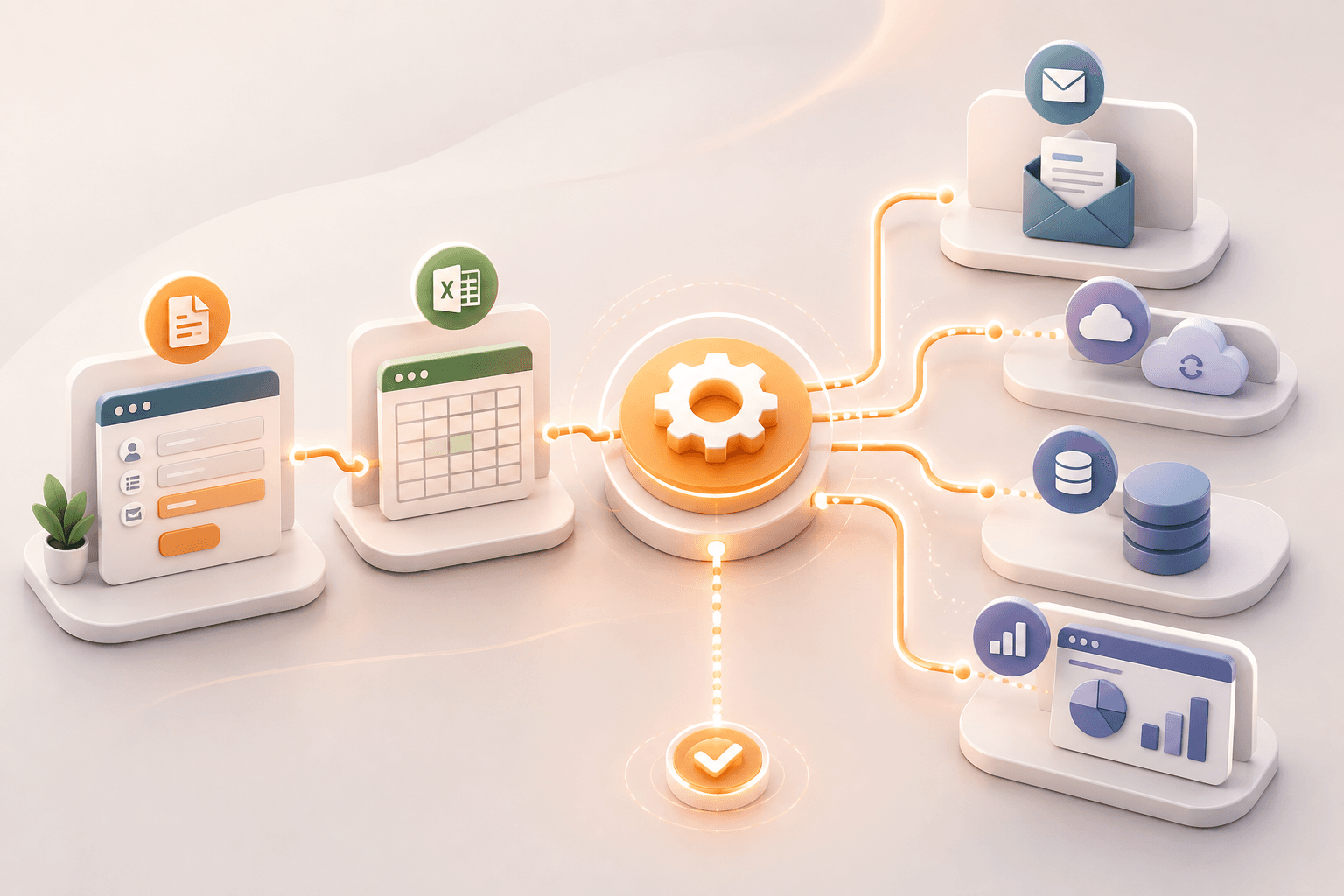
Workflow automation isn't about replacing your tools — it's about connecting them. We map where information currently gets typed, copied, or re-entered between systems, then build automations that move it directly, triggered by the events that already happen in your business: a form submission, a status change, a new record.
We build with off-the-shelf automation platforms where that's the right fit, and custom-coded automation where the workflow is too specific or high-volume for a no-code tool to handle reliably. The goal is a workflow that runs quietly in the background and only surfaces when something needs a human decision.
We shadow the current process and document every manual step, including the workarounds.
We map the automated version, flagging exactly where a human still needs to decide something.
We connect the systems and test against real data before anything goes live.
We watch the automation in production and fix breakages before your team notices them.
Anything repetitive, rule-based, and done the same way more than a handful of times a week — data entry, approval routing, status notifications, report generation. If a person could write instructions for it, it's usually automatable.
Both, depending on volume and complexity. Simple, lower-volume workflows often fit a no-code platform well. High-volume or highly specific workflows usually need custom-coded automation for reliability and cost control at scale.
We monitor automations in production and get alerted when something breaks, so we can fix the connection before it causes a backlog your team has to clean up manually.
It depends entirely on the workflow, but the honest answer during your audit will tell you — we estimate hours saved per week before you commit to a build, not after.
Tell us what your team re-types every day, and we'll show you what it looks like automated.