
Research
We study your users, competitors, and existing product behavior to understand what people actually need to accomplish.
Good UI/UX design isn't decoration — it's the difference between a user completing a task and a user quietly leaving. Weboraz designs wireframes, interactive prototypes, and interface systems for websites, apps, and dashboards, tested against how people actually behave, not how a mood board suggests they should.
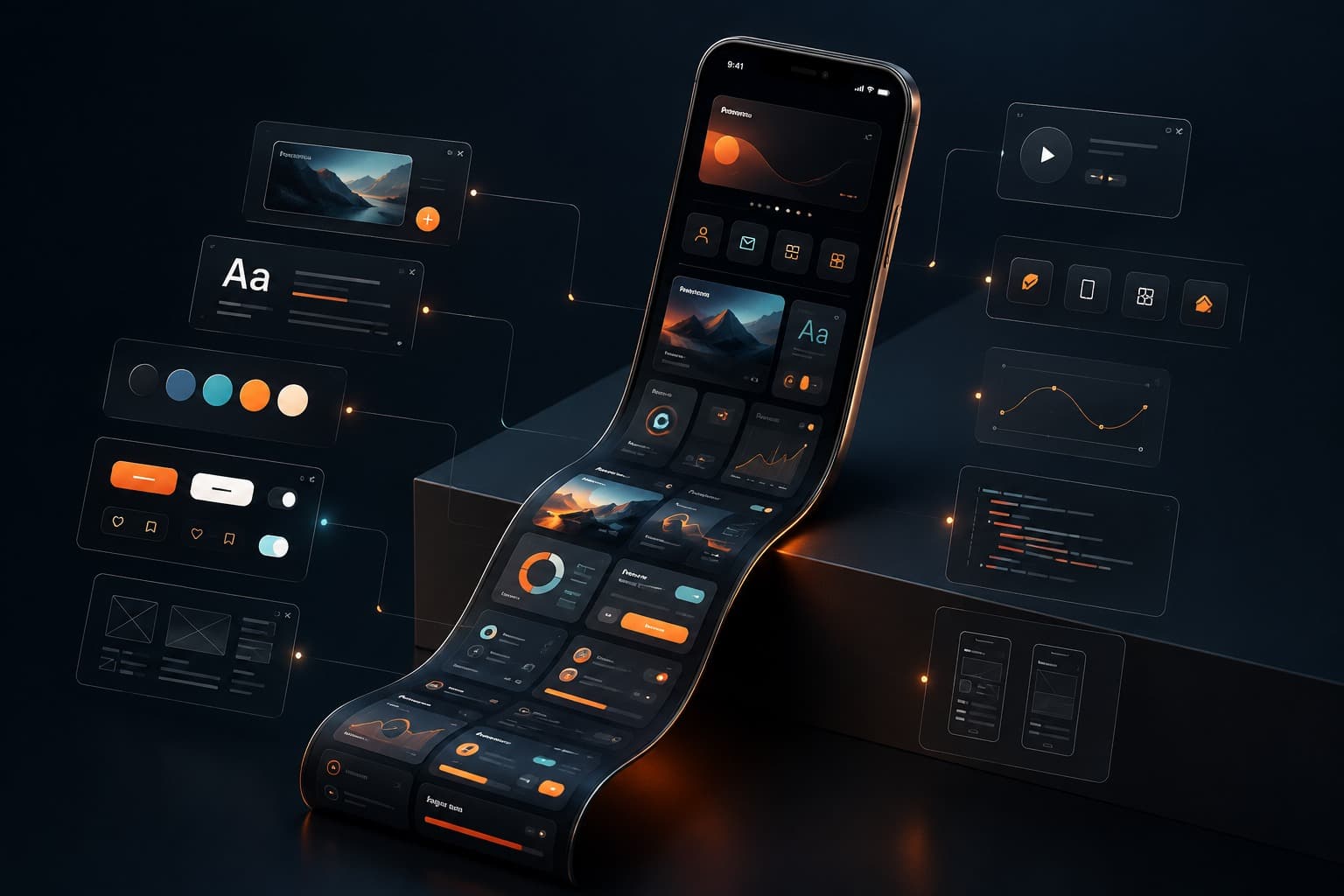
A beautiful interface that confuses users is a failed interface, no matter how it looks in a portfolio shot. We design UI/UX around how people actually complete tasks — mapping user flows before we draw a single screen, wireframing the structure, then layering visual design on top of something that already works logically. The result is an interface that feels obvious in hindsight, which is exactly the point.
We design for websites, mobile apps, SaaS dashboards, and internal tools — anywhere a user needs to accomplish something without friction. That includes interactive prototypes you can click through before a line of code is written, usability testing to catch confusion early, and a component-based design system so your product stays visually consistent as it grows past the first ten screens.
We study your users, competitors, and existing product behavior to understand what people actually need to accomplish.
We map user flows and structure screens in low-fidelity wireframes, solving the logic before touching color or type.
We apply visual design and build interactive prototypes so flows can be tested before a single line of code exists.
We run usability feedback rounds and refine based on where real users actually hesitate or get lost.
UX design is the structure and logic — how a user moves through a task and whether it makes sense. UI design is the visual layer on top of that structure — layout, color, typography, and interaction detail. We handle both together, because a beautiful screen built on a confusing flow still fails.
Yes. We design interfaces for websites, native and cross-platform mobile apps, SaaS dashboards, and internal admin tools, adapting patterns and interaction conventions to what each platform's users actually expect.
Yes, that's standard on every project. We build clickable prototypes in Figma so you and, if needed, real test users can walk through the actual flow and surface confusion before a single line of production code gets written.
Yes. If you already have brand identity guidelines, we design the interface within that system — color, typography, and voice — while building out the interface-specific patterns like states, spacing, and components that a brand guide typically doesn't cover.
If users are getting stuck, dropping off, or asking your support team questions the interface should be answering, let's fix the design before it costs you more conversions.