
Map
We identify exactly which systems need to talk to each other, what data needs to move, and what's currently being done manually to bridge them.
Your payment gateway, your CRM, your shipping provider, and your accounting software all have perfectly good APIs — they just don't know about each other yet. Weboraz connects the systems you already use into workflows that move data automatically, so nobody on your team is copy-pasting order details between four tabs.
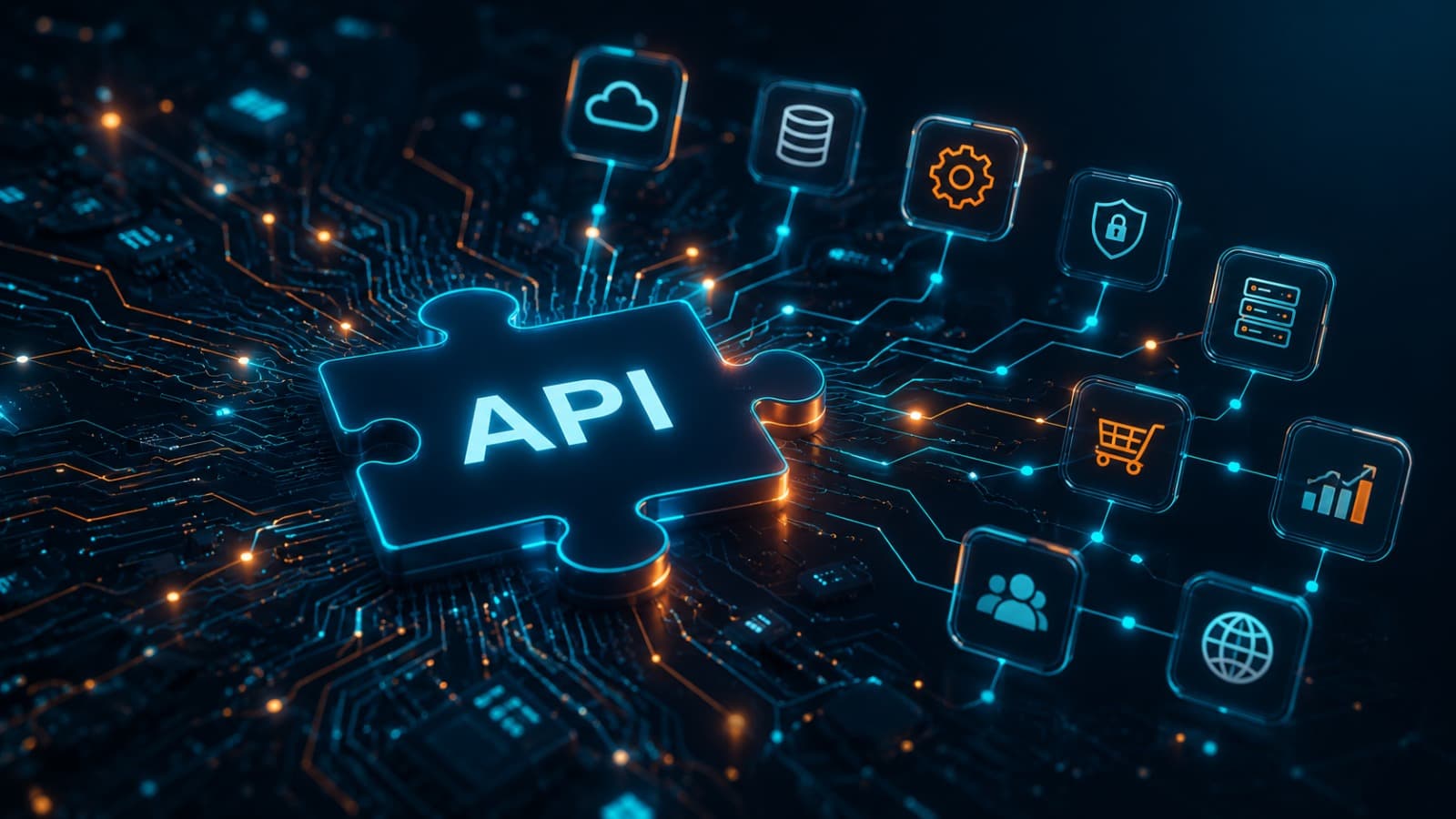
Most businesses don't have a software problem — they have a connection problem. The CRM is fine. The accounting tool is fine. The shipping platform is fine. But nothing passes data between them automatically, so someone's job has quietly become 'the person who re-types things into the other system.' We integrate the tools you already run — payment gateways, CRMs, shipping and logistics platforms, accounting software, marketing tools — so information moves on its own.
This isn't about replacing your stack. It's about wiring it together properly: webhooks that trigger the right action the moment an event happens, middleware that handles data transformation between systems with different formats, and error handling that alerts someone when a sync actually fails instead of silently dropping records.
We identify exactly which systems need to talk to each other, what data needs to move, and what's currently being done manually to bridge them.
We design the integration architecture — direct API connections, middleware, or webhook flows — based on what each system actually supports.
We build the integration, handling authentication, data mapping, and format differences between systems that were never designed to meet.
We deploy with logging and alerting in place, so a failed sync gets caught and flagged instead of quietly losing data.
Most platforms with a documented API — payment gateways like Stripe and Razorpay, CRMs like HubSpot and Salesforce, shipping providers, accounting tools like QuickBooks and Zoho, marketing platforms, and internal or legacy systems. If it has an API, or even a CSV export on a schedule, we can usually connect it.
That's most integration projects, honestly. We build middleware that translates between formats — mapping fields, converting units, reconciling naming differences — so both systems receive data they can actually use, even if they were never designed to talk to each other.
We build monitoring and alerting into every integration so failures are flagged immediately rather than discovered three weeks later when someone notices the numbers don't match. Most failures are caught and resolved before they affect your data integrity.
Almost never. The whole point of integration work is to make your existing stack function as one system instead of replacing tools that already work fine for your team. We occasionally recommend a swap if a tool genuinely lacks the API access needed, but that's the exception, not the plan.
Tell us which two systems your team is manually bridging right now, and we'll show you what connecting them properly actually looks like.